
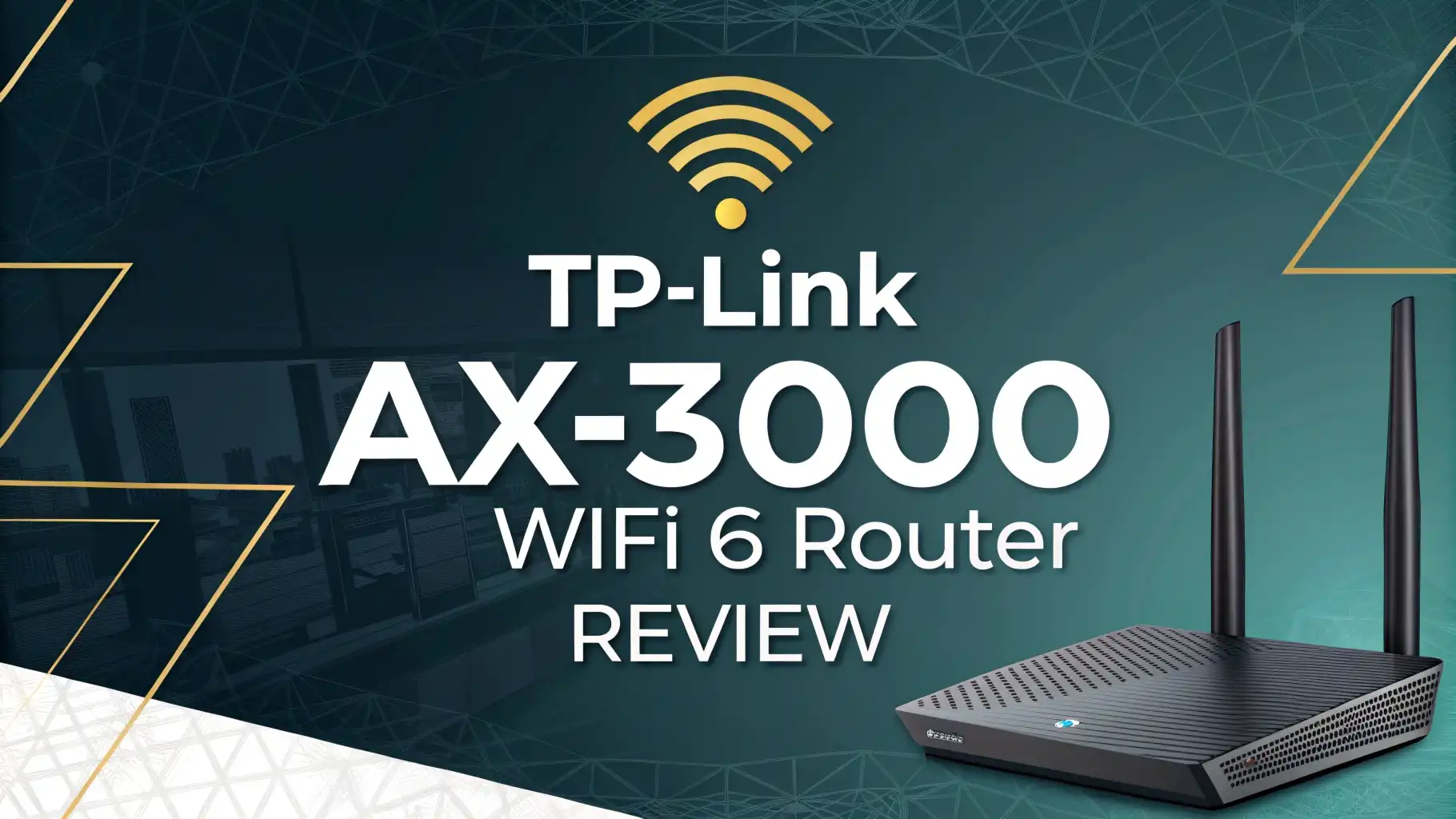
TP Link AX3000 WiFi 6 Router Review 2026: Complete Guide
The TP Link AX3000 WiFi 6 Router that most shoppers mean today is the TP Link Archer AX55. It still gets attention in 2026 because it gives many homes the speed, coverage, and features they need without a high price. TP Link lists it with dual band AX3000 speeds of up to 2402 Mbps on 5 GHz and 574 Mbps on 2.4 GHz, plus 160 MHz support, WPA3, USB 3.0, and HomeShield tools.
Amazon also shows strong buyer interest with a 4.4 star rating and more than 10,000 reviews. That mix of low cost and useful features is why this router still stays in the conversation, even while WiFi 7 products get more attention in 2026. CNET also notes that many homes still do not need an expensive top tier router, especially if the internet plan itself is the main speed limit. That is where the Archer AX55 makes sense.

Key Takeaways
- The Archer AX55 still feels like a smart buy in 2026. It gives you WiFi 6, gigabit ports, 160 MHz channel support, USB 3.0, and easy setup at a price that stays close to the budget range. It does the main job well without asking you to spend too much.
- Its real strength is balance. This router is not the most powerful model on the market, but reviews point to strong 5 GHz results, solid range, stable daily use, and very easy setup. That makes it a good fit for families, students, remote workers, and small homes.
- The weak spots are clear too. Some of the best HomeShield tools need a paid plan. USB speed is fine for light sharing, but it is not a serious NAS solution. Some reviews also saw slower upload results on 2.4 GHz. These limits matter if you want more than basic home use.
- Coverage is one of its best wins. TechGearLab saw strong 2.4 GHz and above average 5 GHz results at common home distances, while BroadbandNow found it stayed useful across a three level condo. That gives this router broad everyday appeal.
- In 2026 it remains a value pick, not a future proof monster. If your internet plan is under 1 Gbps, a budget WiFi 6 router can still be the right call. CNET says many homes do not need expensive hardware, and that idea fits the Archer AX55 very well. It is a sensible router for normal people with normal budgets.
TP Link Archer AX55 at a glance


Last update on 2026-09-12 / Affiliate links / Images from Amazon Product Advertising API
The Archer AX55 is a dual band AX3000 router that aims at the sweet spot between low price and strong everyday performance. TP Link gives it the headline features most buyers want in 2026. You get WiFi 6, support for 160 MHz channels, WPA3 security, four external antennas, gigabit ports, USB 3.0, and HomeShield software tools. On paper, that gives the router enough room for streaming, video calls, smart home gear, gaming, and regular work use in one normal household. Amazon search data also shows that buyers keep choosing it in large numbers, which tells you this model has staying power. That matters because the router market moves fast, but value products stay relevant when they solve real home problems.
What makes this router easy to recommend is how clear its role is. It is not for people who need multi gig ports, ultra high end gaming tools, or WiFi 7 bragging rights. It is for people who want stable internet, simple control, and enough speed for many devices at once. Reviews from BroadbandNow, Digital Citizen, and TechGearLab all point to the same idea. The Archer AX55 is a strong practical choice. It does not try to be flashy. It tries to be useful. In a market full of expensive new models, that simple goal still works very well in 2026.
Design and ports that keep things simple
The Archer AX55 looks like a home router should look. It has four external antennas, a low profile body, and a shape that clearly puts function first. Some reviewers call the design plain or even a bit clunky, but that is not a bad thing if you care more about airflow and stable use than looks. Blacktubi noted that TP Link changed the chassis and cooling compared with the earlier AX50, and the newer Qualcomm based design stayed cool during longer use. That is a helpful detail because heat can hurt stability over time. A cool router is often a happier router.
Port selection is strong for this price. TP Link lists one gigabit WAN port, four gigabit LAN ports, and one USB 3.0 port. That means you can wire in a desktop, game console, smart TV, and maybe a switch without running out of ports too fast. You also get file sharing options through the USB port, which is useful for light home storage. It is a very home friendly setup. There is no multi gig port here, so users with faster internet plans or high speed local transfers may want more. Still, for the average family with a cable or fiber plan near 300 Mbps to 1 Gbps, this hardware mix is easy to like. You get the ports most homes actually use.
Setup and app experience for first time buyers
Setup is one of the best reasons to buy this router. TP Link lets you install it through the Tether app or through a web browser. BroadbandNow said the process took about 15 minutes, and TechGearLab also praised how easy the first setup was through the app. You scan the QR code, follow the steps, name the network, and finish. That low stress setup matters a lot for buyers who do not want to spend an evening reading forums or fixing strange settings. The Archer AX55 respects your time.
The software side is also mostly strong. Reviews say the web interface is clear and easy to understand, while the Tether app gives simple control from your phone. That is great for quick jobs like pausing a device, checking new connections, or changing a guest network. There is one small catch. Digital Citizen said some features, including parts of HomeShield and network optimization, are handled best through the app instead of the browser interface. That split can feel a little annoying if you like one place for everything. Still, most people will not find this hard to live with. For daily home use, the Archer AX55 gives a clean control system that feels much friendlier than many old router menus. If simple setup matters to you, this model gets a big win.
Top 3 Alternative for TP Link AX3000 WiFi 6 Router
If the Archer AX55 feels close to what you want but not perfect, these three options deserve a look. Each one fits a slightly different type of buyer. One gives you a strong ASUS software style. One gives you a NETGEAR take on AX3000 WiFi 6. One gives you a lower cost TP Link path if you want to save more money. These are the closest matches for shoppers who are still comparing.
ASUS RT AX3000

Last update on 2026-09-12 / Affiliate links / Images from Amazon Product Advertising API
This ASUS model is a dual band gigabit WiFi 6 router with USB 3.0 and AiMesh support. It is a good pick for buyers who like ASUS tools and may want broader mesh growth later. It is often seen as the more enthusiast friendly option in this class.
NETGEAR Nighthawk RAX40

Last update on 2026-09-12 / Affiliate links / Images from Amazon Product Advertising API
The RAX40 is another AX3000 class router that promises up to 3 Gbps and about 1,500 square feet of coverage. It suits shoppers who prefer the Nighthawk brand and want another mainstream WiFi 6 option in the same general lane.
TP Link Archer AX21

Last update on 2026-09-12 / Affiliate links / Images from Amazon Product Advertising API
If your budget is tighter, the Archer AX21 is the lower step in TP Link’s WiFi 6 range. It gives you AX1800 class speed, gigabit support, and easy setup, so it works well for smaller homes and lighter traffic. It is the budget answer for buyers who do not need full AX3000 speed.
Speed in daily use feels better than the price suggests
The Archer AX55 performs best where most people care most, which is normal day to day home use on the 5 GHz band. TechGearLab found it delivered above average 5 GHz results at common home distances, with about 332 Mbps at 35 feet without obstructions and 325 Mbps with obstructions. BroadbandNow also saw strong same room performance with 827 Mbps download speed in testing, then 515 Mbps in the next room and 403 Mbps in a basement office. Those numbers tell a clear story. This router has enough speed for streaming, work calls, downloads, and several active users at once.
It also handles 2.4 GHz better than many cheap routers. TechGearLab said the AX55 was one of the best tested models for 2.4 GHz throughput at several distances, which is good news for smart devices and older hardware. Digital Citizen did note a weak point with slower 2.4 GHz uploads, so this is not a perfect result across every test. Still, most households lean more on 5 GHz for phones, laptops, and TVs, and that is where the AX55 looks most convincing. If your internet plan is below 1 Gbps, you may never feel like this router is holding you back. Its speed is practical, steady, and more than enough for many homes.
Range and coverage for small and medium homes
Coverage is one of the strongest reasons people keep buying the Archer AX55. TP Link says the router uses four high performance external antennas and beamforming to push signal across the home. That alone sounds good on a spec sheet, but outside testing matters more. TechGearLab found the router could stream video out to 90 feet on 2.4 GHz before buffering, and on 5 GHz it held on until 120 feet before the connection dropped. Those are very respectable results for an affordable dual band router. This is the kind of coverage that suits apartments, condos, and many average houses.
BroadbandNow also tested the AX55 across a three level condo and found it stayed useful on every floor, though speeds did drop with distance as expected. That is normal router behavior, not a flaw. The nice part is that the drop did not make the connection useless. For people in medium homes, this can mean one router is enough. If your house is very large or has thick walls, the AX55 also supports OneMesh and EasyMesh options, which gives you a simple upgrade path later. That flexibility adds a lot of value. You can start with one router and build out if needed. In real homes, that makes the Archer AX55 feel more adaptable than many cheap routers that only work well in one room.
Streaming gaming and work from home use
For streaming and work use, the Archer AX55 hits a sweet spot. The official feature list includes OFDMA, MU MIMO, and QoS support, which all help when several devices ask for bandwidth at the same time. In simple terms, the router is built to handle a busy home better than older WiFi 5 models. That matters in 2026 because a normal house can have phones, tablets, TVs, laptops, cameras, speakers, and consoles all online together. The AX55 is built for that kind of everyday load.
TechGearLab said the router is a safe bet for small home office use and praised its QoS controls and reliable behavior. BroadbandNow also found its speeds were enough for daily tasks and moderate use, though very heavy homes with many gamers and streamers may want something stronger. That feels fair. The Archer AX55 is not trying to be a premium gaming beast. It is trying to give smooth streaming, responsive browsing, and stable calls at a sensible price. If you play online games, the low lag features of WiFi 6 help, but serious competitive players may still prefer wired Ethernet or a higher tier router. For everyone else, this model is easy to trust. It covers Netflix, Zoom, cloud work, school, and casual gaming without drama, and that is exactly what many buyers want.
Security parental controls and updates
Security features are another big selling point here. TP Link gives the Archer AX55 WPA3 encryption, HomeShield tools, parental controls, and device scanning. For many families, that is enough to make this router feel modern and safe. You can set limits, block content, see new devices, and keep the network updated through the Tether app. TP Link also supports easier firmware updates, which helps users stay current without much effort. That simple update flow is more important than many buyers realize.
The parental controls get especially strong marks in reviews. TechGearLab said the controls are easy to use and surprisingly full for this price, with schedules, time limits, and profile based device control. BroadbandNow also liked the parental tools and easy app design. There is one catch you should know. Digital Citizen and BroadbandNow both note that the best HomeShield features sit behind a paid plan. That means the free tools are useful, but some deeper extras cost more. This is common now, but it still annoys people. The good news is that even without paying extra, the Archer AX55 still gives solid family controls and modern WPA3 security. If your goal is to protect kids, manage screen time, and secure a home network, this router does the job well.
Smart home and many device handling
Smart homes put pressure on routers in a different way. Speed matters, but steady performance with many small connections matters too. The Archer AX55 looks well suited for this. TP Link highlights WiFi 6, OFDMA, MU MIMO, and a Qualcomm platform with 512 MB RAM. Those features help the router manage many devices without feeling overloaded too fast. That is useful if you have cameras, plugs, lights, voice speakers, door sensors, and mobile devices all sharing the same network. It is a good modern home router, not just a speed box.
Blacktubi also said the AX55 showed stronger stability and consistency than the earlier AX50, which is good news for buyers who care about reliability over time. That review also praised the newer Qualcomm setup and better cooling. Digital Citizen liked the support for OneMesh and EasyMesh, which helps if you expand later. That gives the router a longer life in real homes. You can start with one unit now and add to it if your smart home grows. If your house is packed with advanced gear and heavy local traffic, a stronger router may still make sense. But for the average person with a growing list of connected devices, the Archer AX55 feels comfortably capable. It keeps the smart home experience smooth without forcing you into an expensive class of router.
USB sharing and extra tools you may actually use
The USB 3.0 port is one of those features that can sound small but turn out to be very handy. TP Link says you can plug in an external drive and share files across your network or even use it as personal cloud storage. That is useful for simple family file sharing, media access, and backups. Blacktubi said the router worked with SSD and external drive storage and could even act as a Time Machine backup target for Mac use. That gives the AX55 more range than a plain basic router.
Still, it is smart to keep your expectations in check. Digital Citizen said USB 3.0 write speed was slow, and that means this is not the best pick if you want serious always on NAS duty or fast local media editing over the network. The port is best seen as a bonus, not a main reason to buy. Use it for light home jobs and you will likely be happy. TP Link also adds useful extra tools like guest networking, app control, new device alerts, and easier remote management. These are the kind of features people end up using every week, even if they do not think about them on day one. The Archer AX55 wins by stacking many helpful little tools into one low cost package.
Value in 2026 is where this router shines
The most important question is simple. Does the Archer AX55 still make sense in 2026? For many buyers, the answer is yes. CNET says many homes do not need to spend big on premium routers, especially if the internet plan is the real limit. It also points out that the average American home gets 305 Mbps download speed. If your plan is in that range, a costly high end WiFi 7 router may add very little to your daily life. That logic works strongly in the Archer AX55’s favor.
Amazon pricing around the eighty dollar mark gives this router a very attractive place in the market, and strong buyer ratings add confidence. Reviews from BroadbandNow and TechGearLab both treat it as a budget friendly value pick rather than a weak compromise. That is an important difference. Cheap can feel bad. Value feels smart. The Archer AX55 lands on the value side because it brings useful speed, good range, easy setup, modern security, and family friendly tools without a big jump in cost. If you need multi gig ports, 6 GHz, or very high end performance, this is not your router. But if you want a practical router that fits normal homes and normal budgets, it remains one of the easiest recommendations in 2026. This is the router you buy when you want to spend wisely, not endlessly.
Pros and cons you should know before buying
The pros are easy to see. You get strong value, very easy setup, solid 5 GHz speed, good range, family friendly parental controls, OneMesh support, WPA3 security, and a useful mix of ports. Reviews also point to good stability and a friendly interface. TechGearLab praised the setup, PC interface, and parental controls. BroadbandNow liked the range, app design, and 5 GHz performance. Blacktubi said the AX55 improved on the older AX50 with better stability and cooler operation. That is a lot to like in one affordable box.
The cons are also clear, and none should surprise you. This router does not offer multi gig ports, 6 GHz, or top tier future proof features. Some of the best HomeShield tools need a paid plan. Digital Citizen saw slow 2.4 GHz uploads and weak USB write speed. BroadbandNow also suggested heavy users may want more power. So the Archer AX55 is best when you judge it by price and purpose, not by luxury standards. If you do that, the cons feel manageable. If you do not, you may feel tempted by a higher tier model. This router is best for buyers who want a dependable home upgrade, not a dream spec sheet.
Final verdict on TP Link Archer AX55
The TP Link AX3000 WiFi 6 Router remains a very easy router to like in 2026, and the Archer AX55 is the version most shoppers should focus on. It gets the basics right. Setup is simple. Coverage is good. 5 GHz speed is strong enough for real homes. Family tools are useful. The app is easy. The price stays reasonable. In other words, it solves the home internet problem without making the buying process feel stressful or expensive.
Is it the best router money can buy in 2026? No. But that is the wrong question for this product. The right question is whether it gives most homes enough speed, enough range, and enough control for a fair price. The answer to that is yes. If your plan is under 1 Gbps and you want a proven WiFi 6 router instead of spending more for features you may never notice, the Archer AX55 is still a smart buy. If you want premium hardware, faster local transfer, or more advanced future proof tech, move up a class. For everyone else, this router still earns its place as one of the best value home networking picks around.
FAQs
Is TP Link Archer AX55 still worth buying in 2026?
Yes. It still makes sense for buyers who want a low cost WiFi 6 router with good speed, easy setup, and solid coverage. It is a better value pick than a premium model for many homes with internet plans below 1 Gbps.
Is TP Link Archer AX55 good for gaming?
It is good for casual and regular gaming, especially if you also use wired Ethernet for your main console or PC. It supports WiFi 6 features that help with lower lag and better device handling, but very serious players may want a higher tier router.
Can TP Link Archer AX55 cover a large house?
It can handle many small and medium homes well, and outside testing shows strong range for its class. For larger homes, TP Link’s OneMesh and EasyMesh support gives you a simple way to expand coverage later.
What is the biggest downside of TP Link Archer AX55?
The biggest downside is that it is a value router, so it skips premium extras. You do not get multi gig ports or WiFi 7, some advanced HomeShield tools need a paid plan, and USB transfer speed is not ideal for heavy storage work.

Eulalia is a passionate home improvement enthusiast with years of experience testing and reviewing home products to help families make informed purchasing decisions. Through HomeReviewer.blog, she shares honest, detailed reviews and practical guides to create better living spaces for everyone.
