
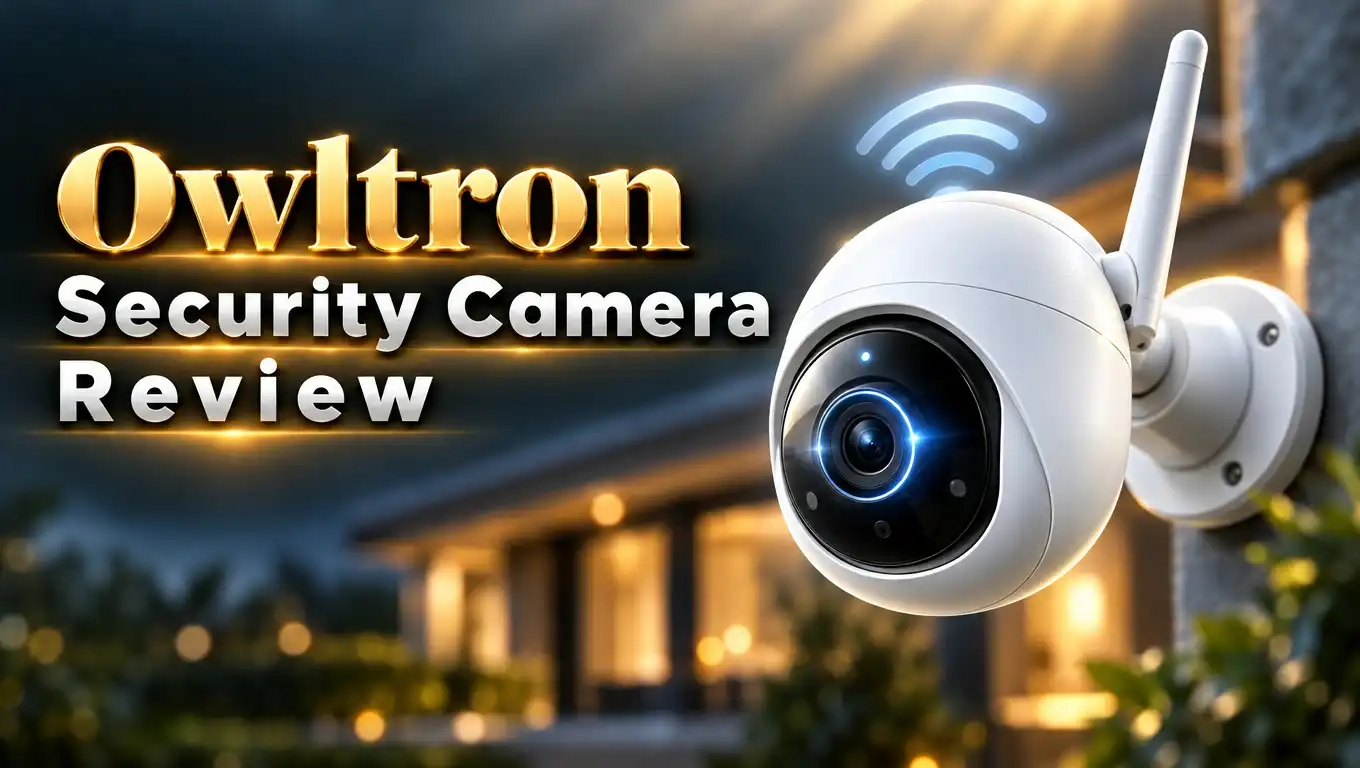
Owltron Security Camera Review 2026: Ultimate Guide
Want a cheap security camera that still gives sharp video? Owltron says you can have both. The brand sells indoor and outdoor cameras at very low prices.
But low prices raise a fair question. Do these cameras last? Does the app work well? I checked the specs, the features, and what real owners say. Read on to see if an Owltron camera belongs in your home.
In a Nutshell
- Price is the main draw. The Owltron 2K indoor camera costs about $27 for a single unit. Very few 2K cameras sell for less. Multi packs lower the cost per camera even more.
- Video is sharp for the money. The 2K resolution shows faces, pets, and room details clearly. Night vision works in the dark, though shiny windows can cause glare.
- Setup is easy. You plug it in, scan a code in the app, and connect to 2.4GHz WiFi. Most owners finish in about five minutes.
- The app is good but not perfect. Some users report slow live view loading and a few ads. The app is also required for all camera control.
- Reliability is mixed. Many owners love their cameras. Others report units that failed after about a year, so the one year warranty matters.
- Smart home support is included. The cameras work with Alexa and Google Home, which makes voice checks simple.
Who Is Owltron and What Do They Sell?
Owltron is a smart home brand that focuses on low cost security cameras. The company sells indoor cameras, outdoor cameras, and a few smart lighting style products. Most items sell through Amazon and the brand’s own store.
The indoor line includes the T1 and W1 models. These are small cameras for rooms, nurseries, and pet corners. Many come in 2 packs and 4 packs.
The outdoor line includes the O1, R1, and L1 models. These cameras offer 4MP resolution at 2560 by 1440 pixels. They are wired, so you need a power outlet within about 9 feet.
Owltron aims at people who want basic protection without a big bill. The brand does not try to compete with premium names on build quality. It competes on price and feature count.
That approach has fans and critics. Owners who pay little often feel happy with what they get. Owners who expect years of use sometimes feel let down.
This review focuses on the popular 2K indoor pan and tilt camera. It is the model most shoppers search for. I also cover the outdoor line where it helps.
Owltron 2K Indoor Security Camera at a Glance
This is the model most buyers pick first. It is a small plug in camera with a rotating base. It records in 2K and covers a full room.

Last update on 2026-10-30 / Affiliate links / Images from Amazon Product Advertising API
The camera pans 360 degrees and tilts up and down. That means one camera can watch a whole living room. You control it from your phone.
It includes motion detection, night vision, and two way audio. You can talk to your kids or pets through the speaker. Alerts reach your phone when the camera sees movement.
The camera uses 2.4GHz WiFi only. It does not connect to 5GHz networks. Most home routers support both bands, so this rarely causes trouble.
Power comes from a USB cable and wall adapter. The cord is a decent length, but you should check the distance to your outlet first.
The price is the standout. At around $27 for one unit, it costs less than most name brand cameras. That price makes it easy to buy two or three and cover several rooms.
Design, Build Quality, and Setup
The Owltron indoor camera looks simple and clean. It has a round white or black body that sits on a small base. The shape blends into a shelf or desk without drawing attention.
The body is made of light plastic. It does not feel premium in your hand. It feels fine for a camera that stays in one place.
The camera sits flat on a table. You can also mount it on a wall or ceiling with the included screws. Mounting upside down works too, since the app can flip the image.
Setup takes a few steps. First, download the Owltron app and make an account. Next, plug in the camera and wait for the voice prompt.
Then scan the QR code on the screen with the camera lens. The camera joins your WiFi in less than a minute. Many owners say setup took about five minutes.
One tip helps a lot. Keep your phone connected to the 2.4GHz band during setup. If your router combines both bands, switch to the 2.4GHz name for the first connection.
A few buyers mention that the box has little paperwork. The app guides you well enough, so this is a small issue.
Top 3 Alternative for Owltron Security Camera
Owltron is cheap, but other brands deserve a look. These three cameras sit in the same price range. Each one offers something different.
Tapo C200 Pan and Tilt Camera
The Tapo C200 is a long time favorite for budget buyers. It pans and tilts, supports local storage, and works with Alexa and Google. The app is clean and fast.


Last update on 2026-10-30 / Affiliate links / Images from Amazon Product Advertising API
Wyze Cam v4
The Wyze Cam v4 records in 2.5K and works indoors or outdoors. It has color night vision and a well known app. It is a strong pick if you want a fixed camera.

Last update on 2026-10-28 / Affiliate links / Images from Amazon Product Advertising API
eufy Security Indoor Cam E220
The eufy E220 gives you pan, tilt, and human detection. It stores video locally, so you avoid monthly fees. Build quality feels stronger than most budget cameras.

Last update on 2026-10-30 / Affiliate links / Images from Amazon Product Advertising API
Video Quality and Night Vision
Video quality is the best part of this camera. The 2K sensor gives a sharp, clear picture in good light. You can see faces, pet details, and small objects with ease.
Colors look natural during the day. The image is bright, and motion looks smooth. It beats the older 1080p cameras at this price.
Night vision uses infrared lights. The camera switches to black and white in the dark. Range reaches about 33 feet, which is plenty for most rooms.
Night mode has one weak spot. If the camera faces a window, glass reflects the infrared light. This causes a bright haze that hides the room.
The fix is simple. Point the camera away from glass, or place it a bit back from the window. One owner said this problem ruined night shots until they moved the camera.
The outdoor models go further. They offer 4MP HDR video and color night vision with LED lights. HDR improves contrast in bright or dark scenes. These models also carry an IP65 rating, so rain and snow do not stop them.
Overall, the picture beats what you expect from the price. Just avoid placing the camera near glass.
Pan, Tilt, and Motion Detection
The rotating base is a big reason to pick this model. A fixed camera sees one angle. This camera sees the whole room.
You steer the view with your finger on the app screen. The motor moves smoothly and quietly. It turns a full 360 degrees and tilts up and down.
Motion detection sends an alert when something moves. You get a phone notification with a short clip. You can set detection zones so the camera ignores a window or a fan.
Sensitivity settings help cut false alerts. Low settings ignore small shadows. High settings catch even a quick pet dash.
Some Owltron cameras add sound detection. The camera can notice a crying baby or a barking dog. The newer outdoor O1 series adds human and vehicle detection and even tracks the movement.
Tracking on the indoor model is simpler. Not every indoor unit follows a person automatically. If auto tracking matters to you, check the product page before buying.
Alerts can feel a bit slow at times. A few owners report delays of several seconds. For daily room checks, this is a minor issue.
Audio, App, and Smart Home Support
Two way audio works through a built in speaker and microphone. You press a button in the app and talk. The sound is clear enough for short chats.
Parents use it to calm a child. Pet owners use it to say hello to a dog. The noise reduction removes most echo.
The app handles everything. You view live video, play back clips, change settings, and share access. The layout is easy to learn.
The app has some flaws. A few owners say live view loads slowly. Others dislike the ads that now appear inside the app. The app is also required for control, so you cannot skip it.
Smart home support is a plus. The cameras work with Alexa and Google Home. You can ask a smart display to show the camera feed.
Sharing is simple. You can invite family members to view the camera from their phones. Each person uses their own login.
Overall, the app is good for basic use. If you want fast load times and zero ads, a Tapo or Wyze camera may feel smoother.
Storage Options and Cloud Plans
You have two ways to save video. You can use a microSD card or a paid cloud plan. Both work well for most users.
A microSD card records video on the camera itself. It costs nothing monthly. You buy the card once, and the camera overwrites old footage.
The card is not included in many packs. Plan to buy a 128GB card for a good amount of storage. Check your model page for the maximum supported size.
The cloud plan stores clips online. Owltron offers around 30 days of video and event history on paid plans. Cloud storage keeps footage safe if a thief steals the camera.
Cloud prices can rise. One owner paid about $40 for a yearly plan and saw the renewal jump to about $69. Check the renewal price before you subscribe.
A few buyers report trouble with microSD slots on the outdoor models. Cards sometimes failed to register. If your card keeps dropping, try a different brand of card first.
My advice is simple. Start with a microSD card. Add cloud storage only if you need off site backup.
Owltron Security Camera Pros and Cons
Every camera has strengths and weak points. Here is a clear look at both for the Owltron line.
Pros:
- Very low price. A single 2K indoor camera costs about $27, and multi packs cut the cost further.
- Sharp 2K video. The picture shows faces and room details clearly during the day.
- Full room coverage. The 360 degree pan and tilt base lets one camera watch a whole space.
- Easy setup. Most owners connect the camera in about five minutes.
- Two way audio. You can talk to kids and pets from your phone.
- Voice assistant support. Alexa and Google Home both work with the cameras.
Cons:
- Reliability concerns. Several owners report cameras that stopped working after about a year.
- 2.4GHz WiFi only. The camera cannot join a 5GHz network.
- Ads in the app. Some users find the ads annoying.
- Slow live view. A few owners report lag when opening the video feed.
- Cloud price increases. Renewal costs can rise after the first year.
- Mixed customer support. Some owners got fast refunds, while others were denied help after the warranty ended.
Is the Owltron Security Camera Worth It in 2026?
Owltron is worth it for the right buyer. The cameras give great value for a low price. You get 2K video, pan and tilt, and two way audio for about $27.
Buy it if you want a cheap room camera. It suits nurseries, pet corners, and short term monitoring. It also works well as a second or third camera in a home.
Skip it if you want long term reliability. Several owners saw failures within one to two years. Premium brands usually last longer and offer better support.
The warranty matters here. Owltron covers products for one year. Test your camera right away, and keep your order number safe.
Customer service stories vary. Some owners got a full refund or free replacement with no return. Others said the company refused help once the warranty ended.
My advice is practical. Buy from Amazon so you get easy returns. Use a microSD card to avoid monthly fees.
If you want the safest long term pick, look at the Tapo C200 or eufy E220. If price comes first, Owltron is a fair choice. Treat it as a low cost camera that may need replacing in a few years.
FAQs
Is Owltron a good security camera brand?
Owltron is a good budget brand. It offers sharp video and useful features at low prices. Reliability is mixed, so expect some units to fail after a year or two.
Does the Owltron camera need a subscription?
No. You can record to a microSD card with no monthly fee. Cloud storage is optional and costs extra.
Does Owltron work with 5GHz WiFi?
No. The indoor cameras connect to 2.4GHz WiFi only. Most routers support this band.
Does the Owltron camera work with Alexa and Google Home?
Yes. Both voice assistants work with Owltron cameras. You can view the live feed on a compatible smart display.
Can I use an Owltron indoor camera outside?
No. Indoor models do not have weather protection. For outdoor use, pick an outdoor model such as the O1, R1, or L1, which carry an IP65 rating.
What is the warranty on Owltron cameras?
Owltron covers its cameras for one year. Contact support early if your camera has a problem. Keep your order number handy.

Eulalia is a passionate home improvement enthusiast with years of experience testing and reviewing home products to help families make informed purchasing decisions. Through HomeReviewer.blog, she shares honest, detailed reviews and practical guides to create better living spaces for everyone.